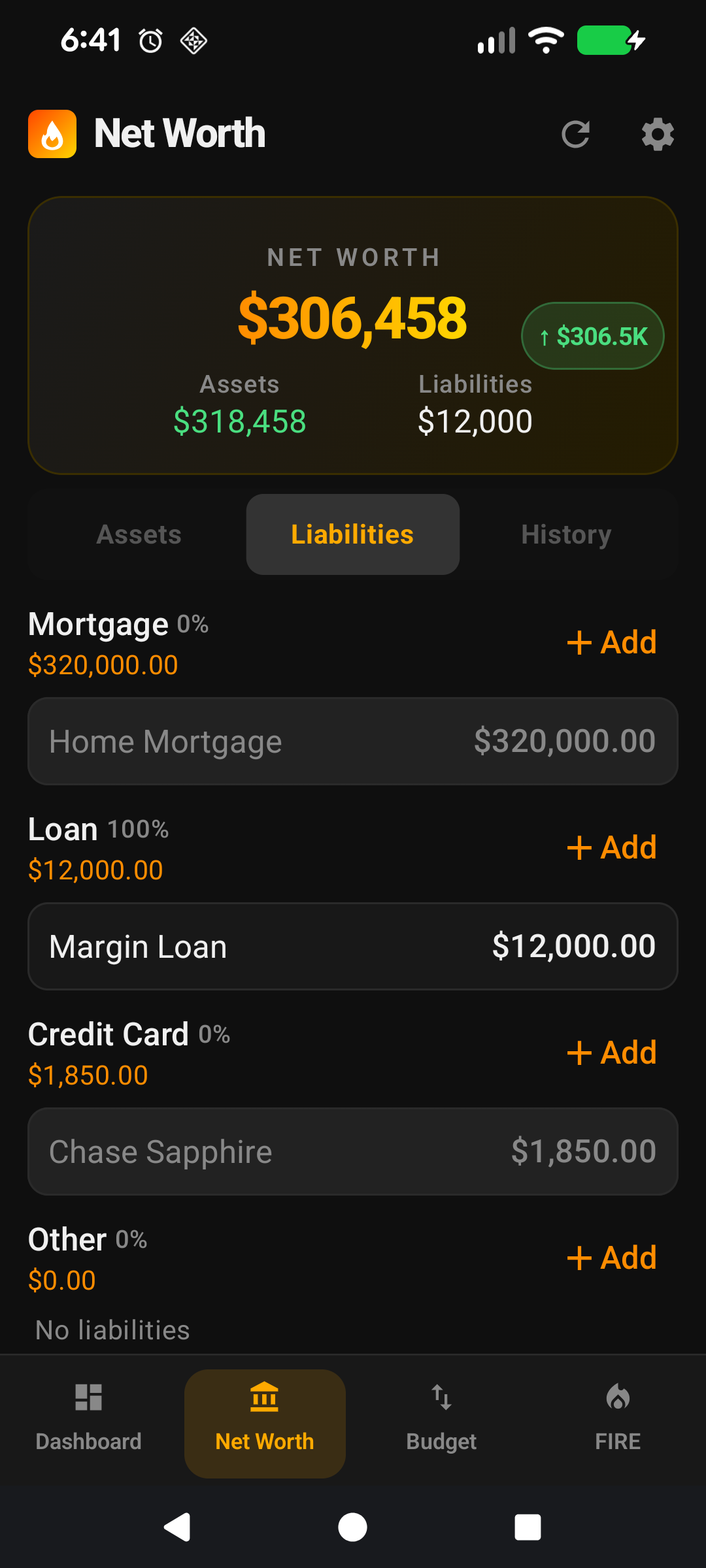
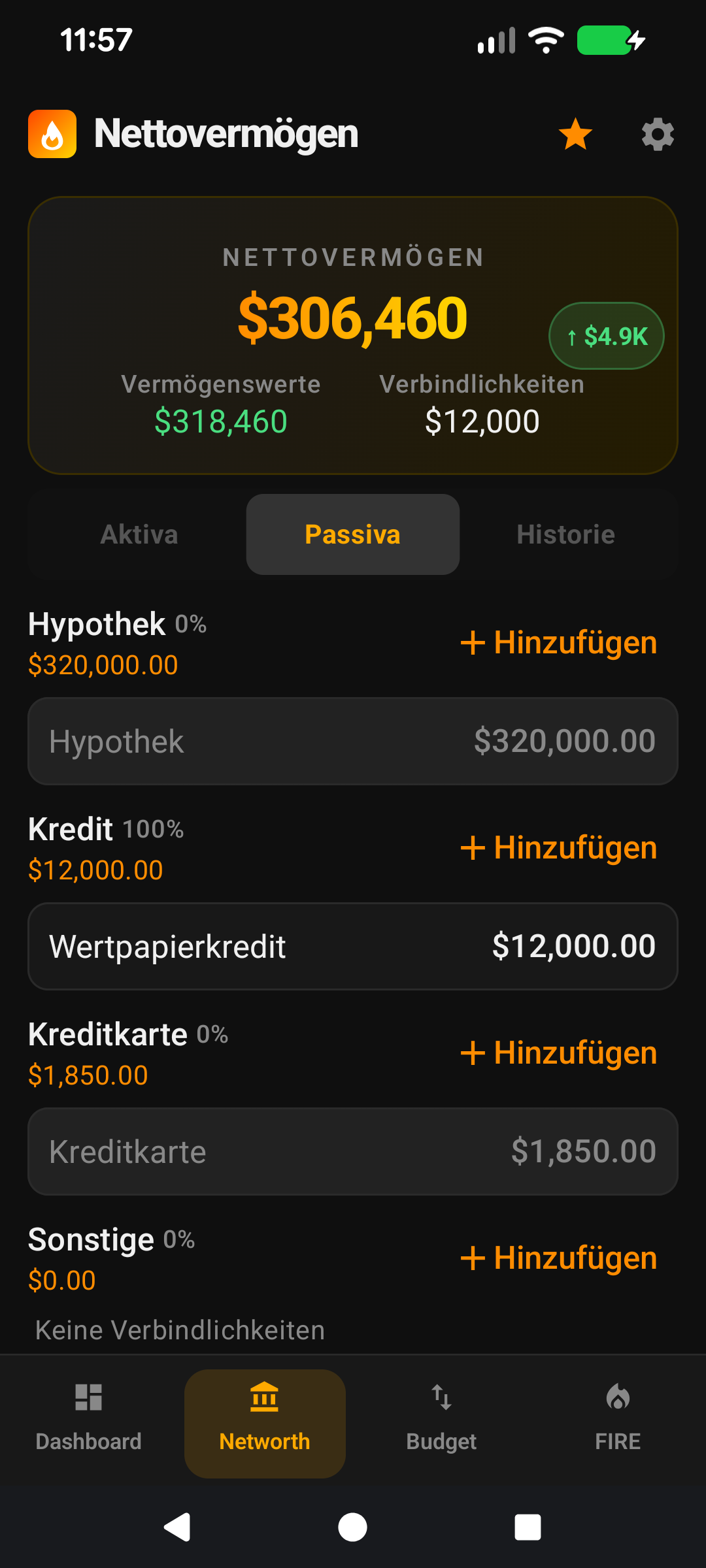
Recording a liabilityEine Verbindlichkeit erfassen
Recording a liability: mortgages, loans, credit cards, HECS/SLC debt. The Is-Investment flag controls whether this debt counts against your Investment Net Worth.Eine Verbindlichkeit erfassen: Hypotheken, Kredite, Kreditkarten, HECS/SLC-Schulden. Der Umschalter "Ist Investment" steuert, ob diese Schuld gegen Ihr Investment-Nettovermögen gerechnet wird.
Quick start
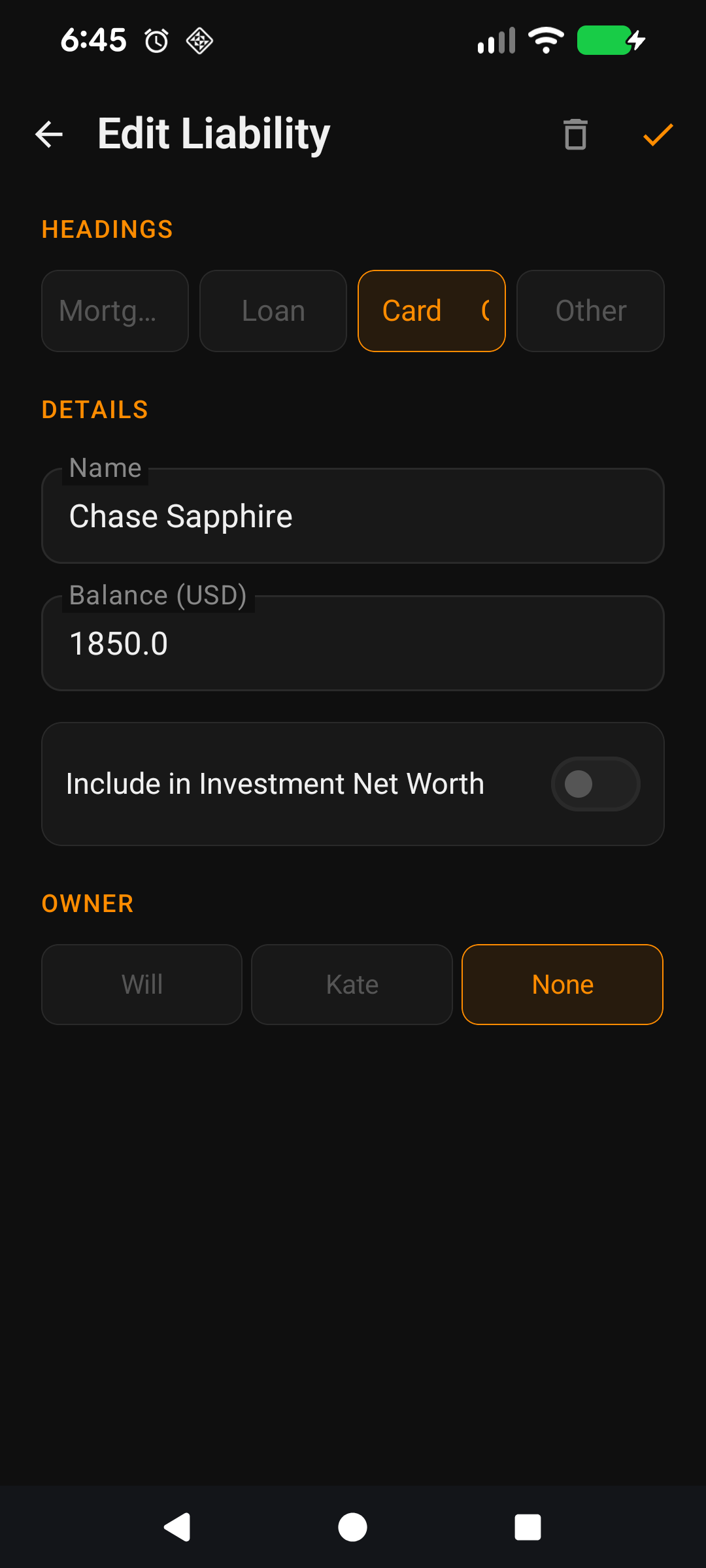
The Add Liability screen is a simpler cousin of Add Asset. Liabilities are just debts — an amount you owe, a name, a heading, and optionally an owner.
Pick a heading — Mortgage, Loan, Credit Card, Investment Loan, and so on. The heading groups debts together on the Net Worth screen.
Name it — "Home loan", "CBA Visa", "Margin loan". Required — there's no ticker to fall back to.
Enter the balance — the amount you currently owe, not the original loan amount.
Flip the Is Investment toggle if this debt is tied to an investment asset (margin loan, investment-property mortgage, equity line used for investing). Leave it off for personal debt.
Save — top-right tick icon.
The rest of this guide is for users who want to tune the screen. If you're happy with the defaults, you can stop here — everything below is optional customisation.
Going deeper
Why Is Investment matters
① On for margin loans / investment loans. ② Off for personal debts (credit cards, HECS).
Your Net Worth is assets minus liabilities — simple enough. But Investment Net Worth is more nuanced: it's investment assets minus investment liabilities. The Is Investment toggle on each liability decides which side of that line the debt falls on.
A primary-residence mortgage is typically not an investment liability — it's tied to a personal-use asset (your home), which is also typically excluded from Investment NW. So the mortgage toggles off; the house toggles off; both drop out of Investment NW together, keeping the maths clean.
A margin loan or investment-property mortgage is an investment liability — it funded investment assets that count toward your FIRE target. Toggle it on; it subtracts from Investment NW alongside its associated asset.
Get the pairings right and your Investment NW reflects what can actually fund retirement. Get them wrong (e.g., home on, mortgage off) and your Investment NW is inflated.
Cascading renames (custom headings)
The liability headings that ship with the app can't be renamed — those built-ins are fixed. But any custom heading you've added can be renamed freely, and the rename cascades: every liability sitting under the old name is updated automatically, no orphans, no manual clean-up. Same behaviour on the asset side.
Delete safety
Deleting an existing liability removes the row and any associated history entries. A confirmation dialog with the liability's name prevents fat-finger deletion. Deletion is immediate — no soft-delete — so if you need to keep history, use the Is Investment or hide-heading options instead.
Make it yours — Settings that affect this screen
Liability Headings — Settings → App Lists → Liability Headings. Reorder and hide the built-in headings; add your own custom headings (which are then fully renameable and deletable). The chip row on this screen reflects the list in order.
Owners — Settings → App Lists → Owners. The Owner chip row only appears when Owners is enabled and at least one owner exists.
Schnellstart
Der Bildschirm "Verbindlichkeit hinzufügen" ist ein einfacherer Verwandter von "Vermögenswert hinzufügen". Verbindlichkeiten sind einfach Schulden — ein Betrag, den Sie schulden, ein Name, eine Überschrift und optional ein Eigentümer.
Wählen Sie eine Überschrift — Hypothek, Kredit, Kreditkarte, Investmentkredit und so weiter. Die Überschrift gruppiert Schulden auf dem Nettovermögen-Bildschirm.
Benennen Sie sie — "Hauskredit", "CBA Visa", "Margin-Kredit". Erforderlich — es gibt keinen Ticker als Rückfalloption.
Geben Sie den Saldo ein — den Betrag, den Sie aktuell schulden, nicht den ursprünglichen Kreditbetrag.
Aktivieren Sie den Umschalter "Ist Investment", wenn diese Schuld an einen Investment-Vermögenswert gebunden ist (Margin-Kredit, Hypothek auf Renditeimmobilie, für Investments genutzte Kreditlinie). Lassen Sie ihn für private Schulden aus.
Speichern — Häkchen-Symbol oben rechts.
Der Rest dieser Anleitung ist für Nutzer, die den Bildschirm anpassen möchten. Wenn Sie mit den Standardeinstellungen zufrieden sind, können Sie hier aufhören — alles unten ist optionale Anpassung.
Tiefer eintauchen
Warum "Ist Investment" wichtig ist
① An für Margin-Kredite / Investmentkredite. ② Aus für private Schulden (Kreditkarten, HECS).
Ihr Nettovermögen ist Vermögenswerte minus Verbindlichkeiten — einfach genug. Aber das Investment-Nettovermögen ist nuancierter: Es sind Investment-Vermögenswerte minus Investment-Verbindlichkeiten. Der Umschalter "Ist Investment" bei jeder Verbindlichkeit entscheidet, auf welcher Seite dieser Linie die Schuld steht.
Eine Hypothek auf den Hauptwohnsitz ist typischerweise keine Investment-Verbindlichkeit — sie ist an einen persönlich genutzten Vermögenswert (Ihr Zuhause) gebunden, der typischerweise ebenfalls vom Investment-Nettovermögen ausgeschlossen ist. Also ist die Hypothek aus, das Haus ist aus, beide fallen gemeinsam aus dem Investment-Nettovermögen heraus und die Mathematik bleibt sauber.
Ein Margin-Kredit oder eine Hypothek auf eine Renditeimmobilie ist eine Investment-Verbindlichkeit — sie hat Investment-Vermögenswerte finanziert, die zu Ihrem FIRE-Ziel beitragen. Schalten Sie ihn ein; er wird zusammen mit dem zugehörigen Vermögenswert vom Investment-Nettovermögen abgezogen.
Wenn Sie die Paarungen richtig setzen, spiegelt Ihr Investment-Nettovermögen das wider, was tatsächlich die Rente finanzieren kann. Wenn Sie sie falsch setzen (z. B. Haus an, Hypothek aus), wird Ihr Investment-Nettovermögen aufgebläht.
Die mit der App mitgelieferten Verbindlichkeitsüberschriften können nicht umbenannt werden — diese Standardüberschriften sind fest. Aber jede benutzerdefinierte Überschrift, die Sie hinzugefügt haben, kann frei umbenannt werden, und die Umbenennung kaskadiert: Jede Verbindlichkeit unter dem alten Namen wird automatisch aktualisiert, keine Waisen, keine manuelle Nachbearbeitung. Auf der Vermögensseite verhält es sich genauso.
Sicheres Löschen
Das Löschen einer bestehenden Verbindlichkeit entfernt den Eintrag und alle zugehörigen Verlaufseinträge. Ein Bestätigungsdialog mit dem Namen der Verbindlichkeit verhindert versehentliches Löschen. Das Löschen erfolgt sofort — keine Soft-Löschung — wenn Sie also den Verlauf behalten möchten, nutzen Sie stattdessen "Ist Investment" oder das Ausblenden der Überschrift.
Machen Sie es zu Ihrem — Einstellungen, die diesen Bildschirm beeinflussen
Verbindlichkeitsüberschriften — Einstellungen → App-Listen → Verbindlichkeitsüberschriften. Ordnen Sie die Standardüberschriften neu an und blenden Sie sie aus; fügen Sie eigene benutzerdefinierte Überschriften hinzu (die dann vollständig umbenannt und gelöscht werden können). Die Chip-Reihe auf diesem Bildschirm spiegelt die Liste in der Reihenfolge wider.
Eigentümer — Einstellungen → App-Listen → Eigentümer. Die Eigentümer-Chip-Reihe erscheint nur, wenn Eigentümer aktiviert sind und mindestens ein Eigentümer existiert.