iCloud sync, import and export
Quick start
Under Settings › Your Data, Sync with iCloud keeps your cards the same on every iPhone signed in to your Apple Account. It is free and on by default; Status says whether it is working.
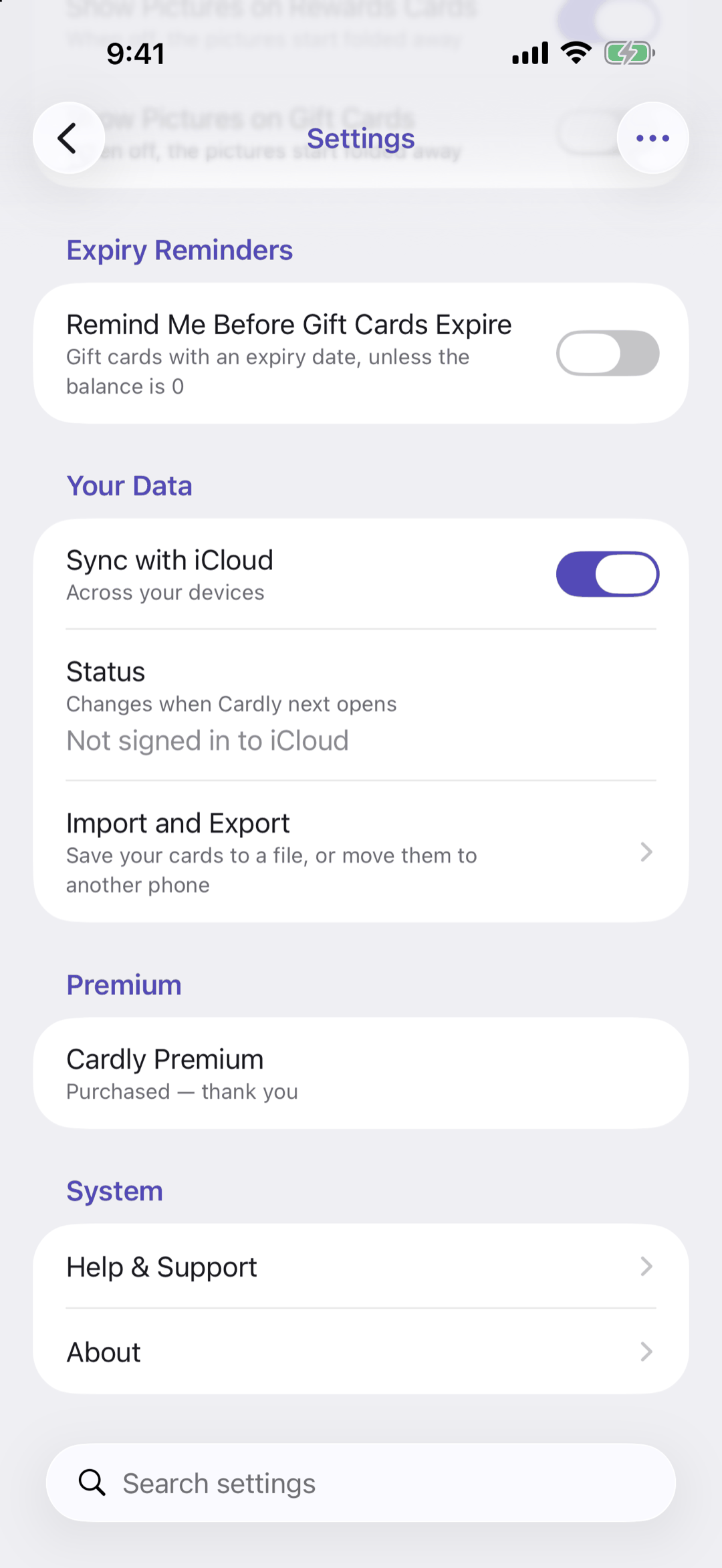
Below: how sync handles PINs, and the export file.
Going deeper
Sync
- Your iPhone signs in to iCloud in the iPhone's own Settings app; Cardly cannot do it for you
- Switching sync on or off takes effect the next time Cardly opens
- PINs sync separately, through iCloud Keychain. With iCloud Keychain off, they stay on the iPhone
- Sync is not a backup: a card deleted on one iPhone is deleted on all of them
Export Cards (Premium)
Saves every card, picture and your settings to one file, wherever you choose. The file holds your card numbers, so keep it private. If a gift card that is not used up has a PIN, Cardly locks the PINs with a password first; you need it to import them, and Cardly cannot recover it.
Import Cards (Premium)
Replaces every card, picture and setting on this iPhone with the file's, after asking. The app lock, sync and reminder settings stay as they are. A PIN imported without its password shows PIN not imported until you type it in again.
Questions or feedback? Email us at woohoosoftware@gmail.com