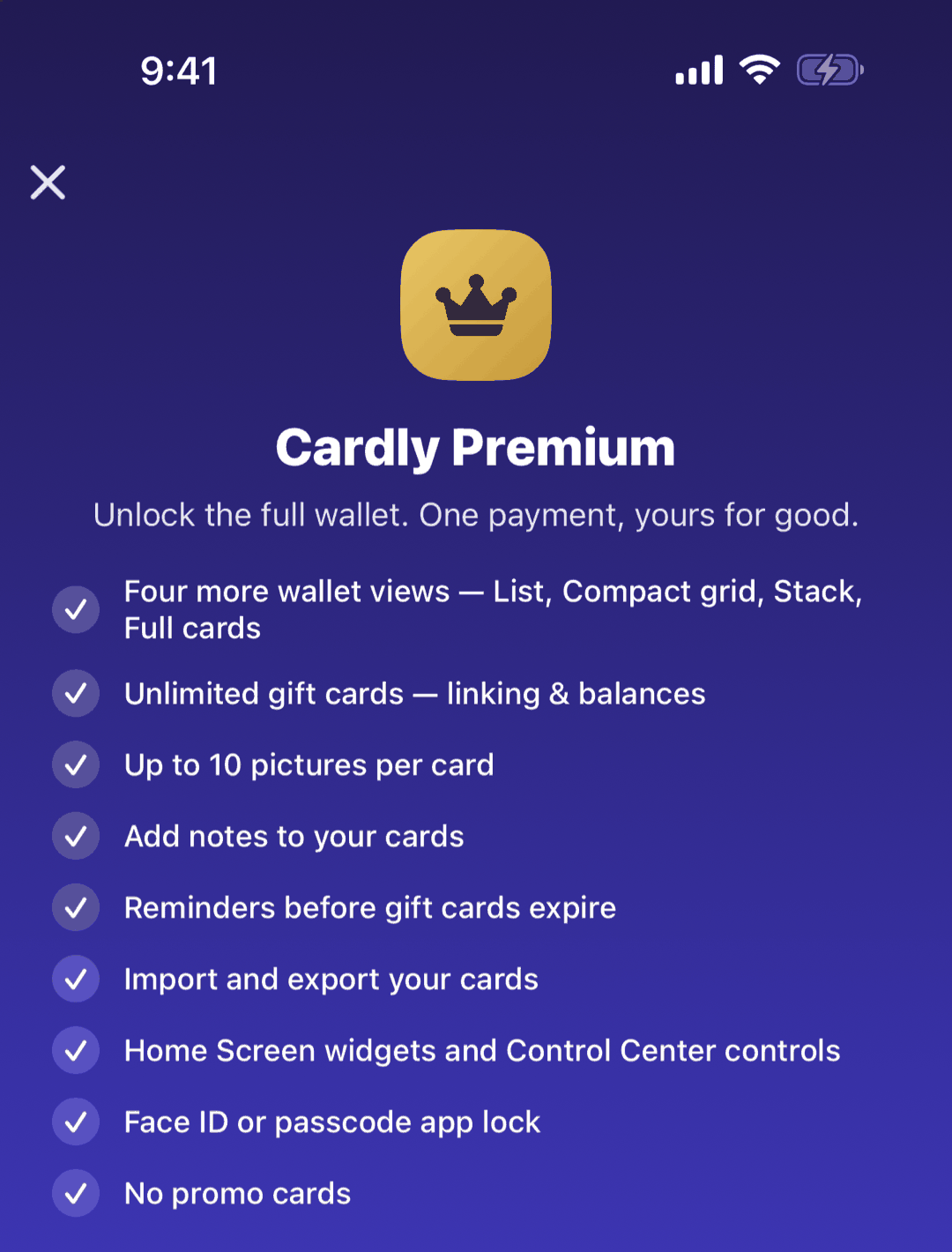
Cardly Premium
One payment, no subscription: what Premium adds, and how to restore it.
Quick start
Tap the crown in the wallet, or Settings › Premium. Premium is a single payment with no subscription and nothing to cancel, at the price shown in your own currency.
Below: restoring, and what stays free.
Going deeper
Restoring
Premium belongs to the Apple Account that bought it. On a new iPhone, or after reinstalling, tap Restore beside Already purchased?. A purchase made on Android does not carry over to iPhone.
Always free
As many cards as you like, Scan Mode, linking, card types and colours, iCloud sync, the Cardly Card widgets, quick actions, Siri, and Delete All Data.
Questions or feedback? Email us at woohoosoftware@gmail.com