Card types and colours
Quick start
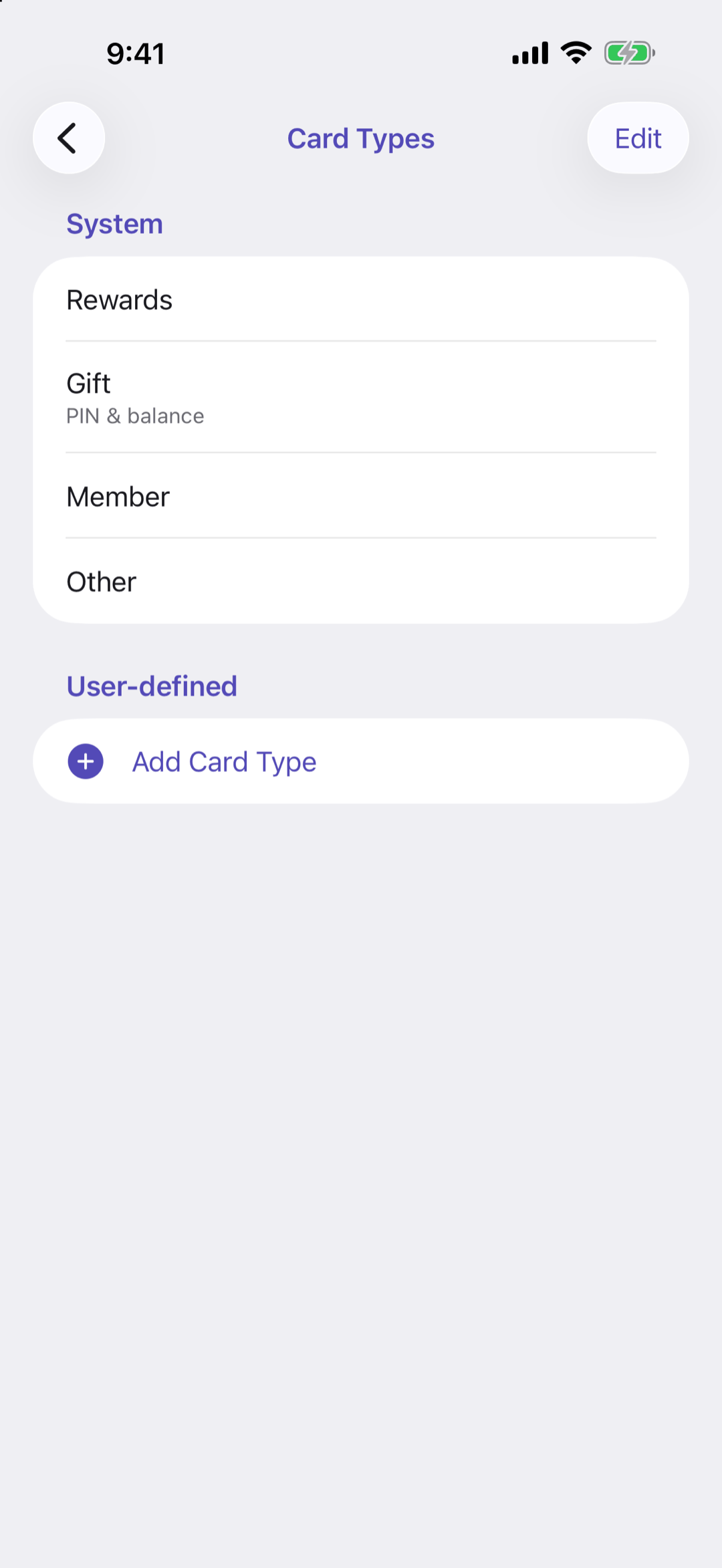
Settings › Customise › Card Types lists the four built-in types under System: Rewards, Gift, Member and Other. Only Gift has a PIN and balance. Your own types are under User-defined: tap Add Card Type to make one.
Below: renaming, ordering, deleting, and colours.
Going deeper
Your own types
Tap a type to rename it, or swipe it to delete it; its cards move to Other. Tap Edit to drag the types into order: the wallet's sections follow the same order. The built-in types can be reordered but not renamed.
Colours
Settings › Customise › Colours is the palette you choose card colours from, with every colour named. Add Colour mixes a new one with Hue, Saturation and Brightness; Edit reorders and deletes them. A colour a card is using cannot be deleted.
Questions or feedback? Email us at woohoosoftware@gmail.com